
The Review uses zenodo.org, a research data repository maintained by CERN, to store and share replication materials. This page explains how to upload and submit your replication package. For what the package and README must contain, see the guidance page.
Uploading the first version of your replication package
You are responsible for creating a Zenodo record and uploading your package to it. Please note that the Data Editor never modifies a Zenodo record’s content. The package will remain in draft status and will not be visible until the Data Editor accepts it into the REStud community.
- Package all your files with their full directory structure in a ZIP archive. Please do not use any other archive format and do not compress files within the ZIP archive. Remove extraneous hidden files (the most frequent: __MACOSX directories and .git directories)
- Please leave the README outside the ZIP file. This makes it easier to inspect the package, improves transparency, and allows the contents to be reviewed when needed to support evaluation and reuse.
- You need a Zenodo account to publish your files. Sign up if you do not have one yet.
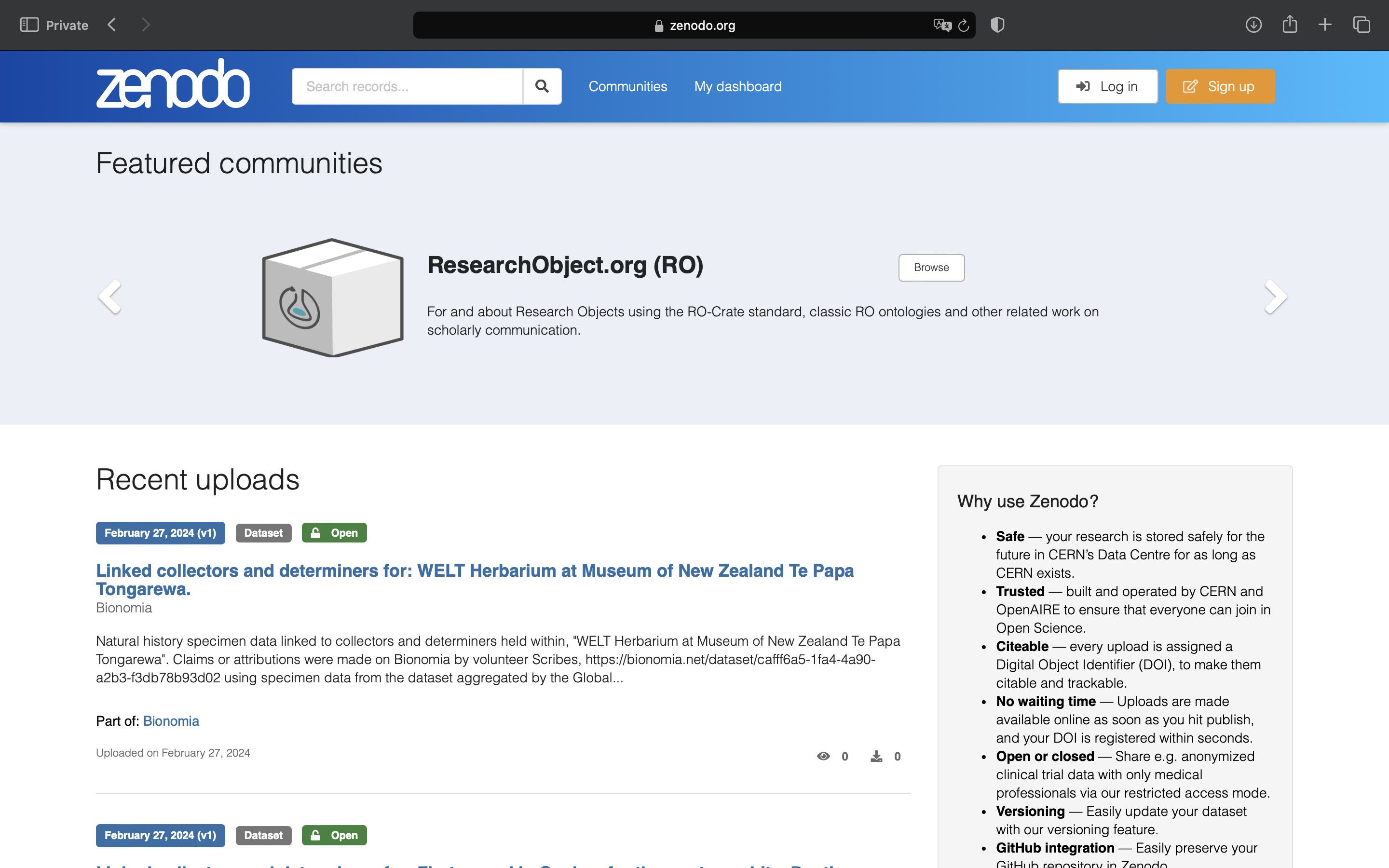
- Create a new Zenodo entry for your replication package. Make sure to use this link so that the Review receives your package once you are finished.
- Upload your ZIP archive to Zenodo by “Drag and drop” or selecting “Upload files.” Make sure to push the green “Start upload” button after selecting your files.
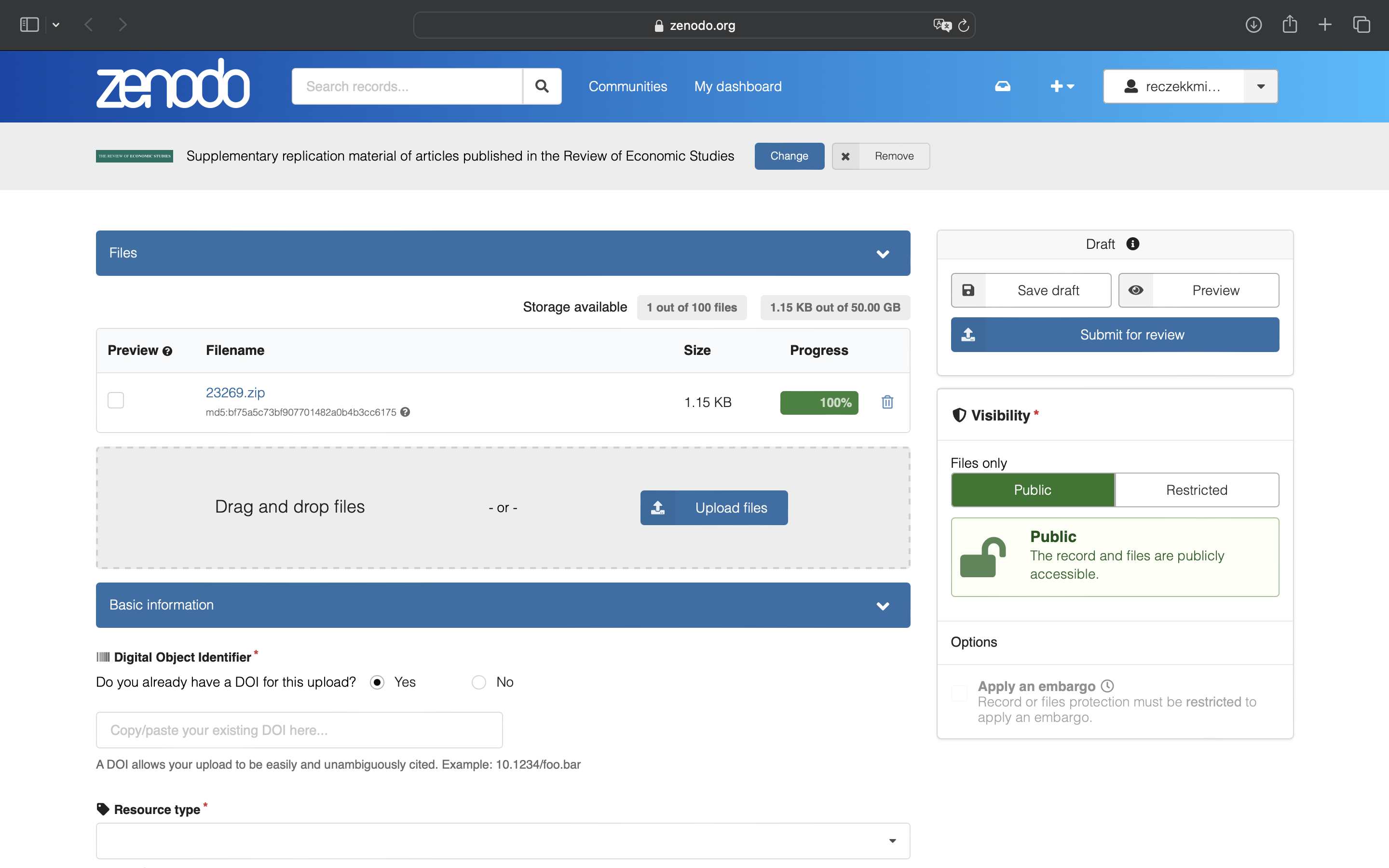
- Generate a Digital Object Identifier (DOI) by clicking “No” and “Get a DOI now!”. Make note of the DOI number issued by Zenodo. After the package is accepted by the Data Editor, you will need to cite this in the Data Availability Statement at the end of your manuscript.
Note that the DOI link will not work before the package is accepted. You can still access an unpublished package by navigating to it after logging into Zenodo. The unpublished package will be visible only to you and the Data Editor until it is officially accepted and published at the url https://zenodo.org/uploads/[your-package-id], where the package id is the last number in the DOI.
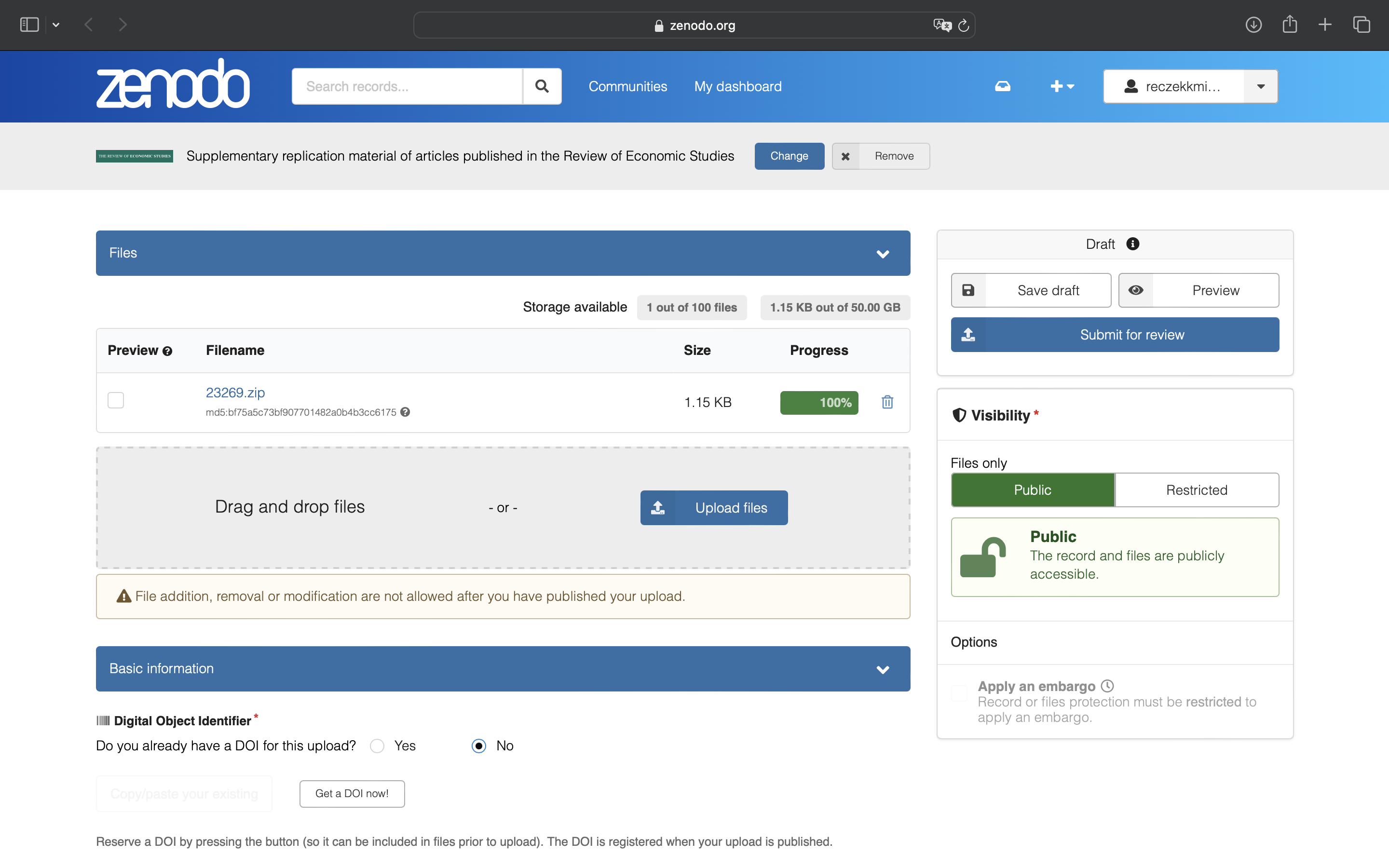
- Select “Dataset” or “Software” as your upload type.
- Fill in the required metadata about your upload.
- Title: “Replication package for: {full title of your manuscript}”
- Publication date: {keep the Zenodo default - the day you are uploading the package}
- Creators: These are typically the manuscript authors, but you may also add others who have contributed significantly to the code you are uploading, such as research assistants.
- Description: Include a full citation of your manuscript and a one-sentence description of what the replication package contains.
- Do not worry about other metadata, these will be filled out by the journal office once the paper is published.
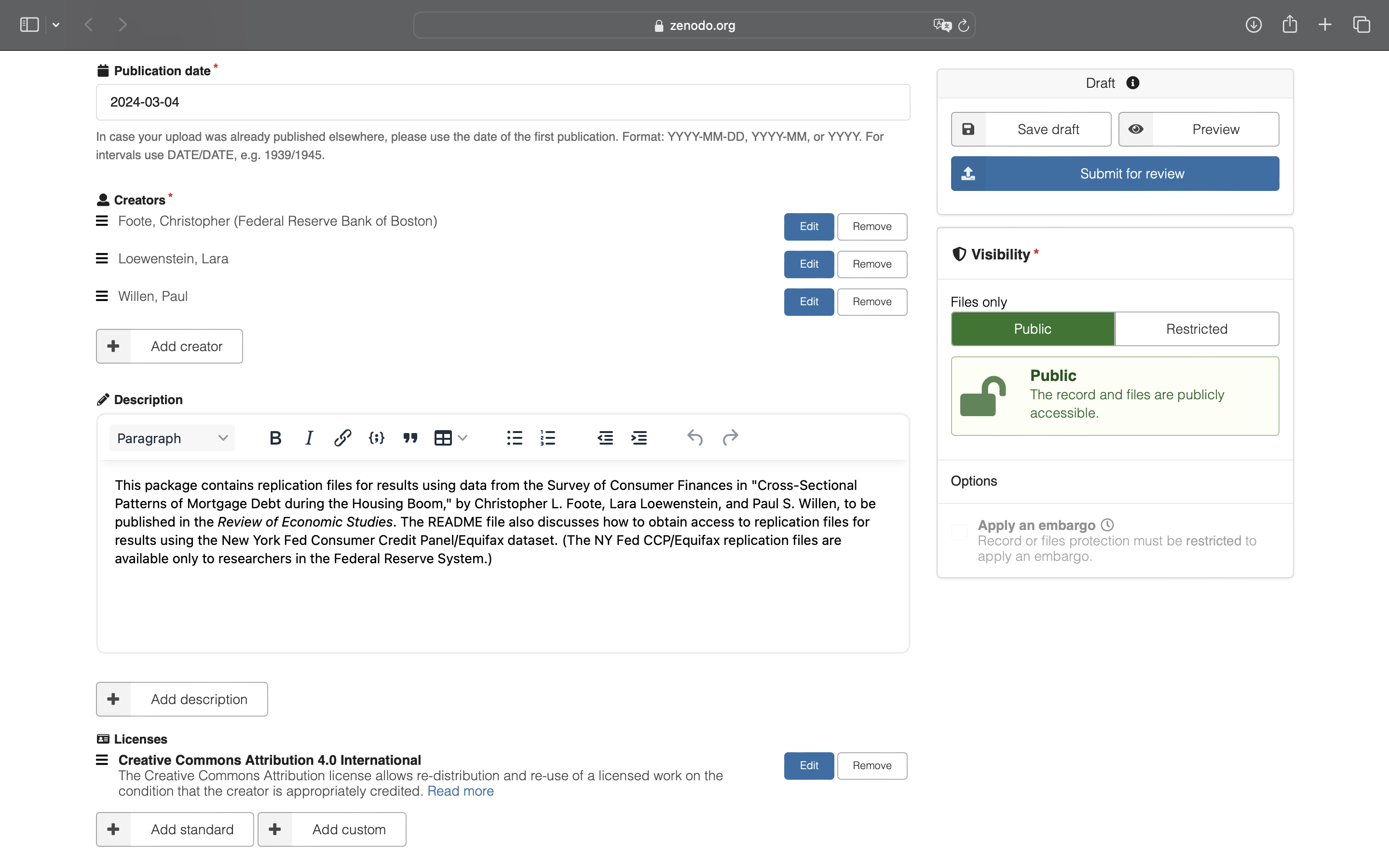
- Select an open access License for your upload. Our Data and Code Availability Policy requires that you allow readers to download, copy and modify your replication package. We recommend a “Creative Commons Attribution 4.0 International” license, but if you wish to use a different license, select “Other (Attribution).”
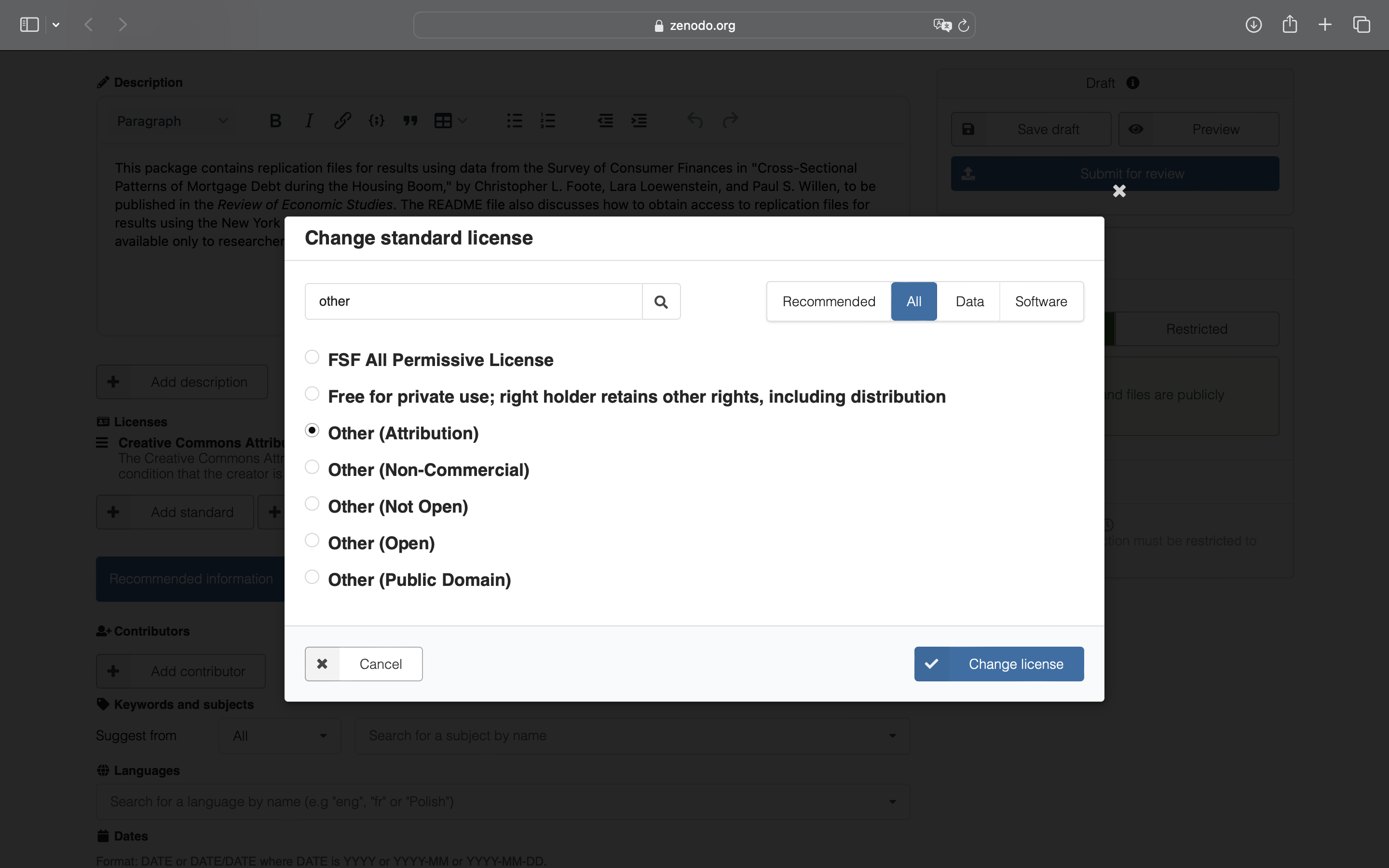
- Do not publish the package at this stage because it is difficult to delete or modify published records.
Instead, submit your record to our community, “restud-replication:” follow the link at the top of the record’s edit page (“Select a community”), and search for “Review of Economics Studies.”
To avoid mistakes and errors please “Preview” your package before submitting. “Save draft” and then “Submit for review”, read and check the warnings and finally “Submit record for review.” 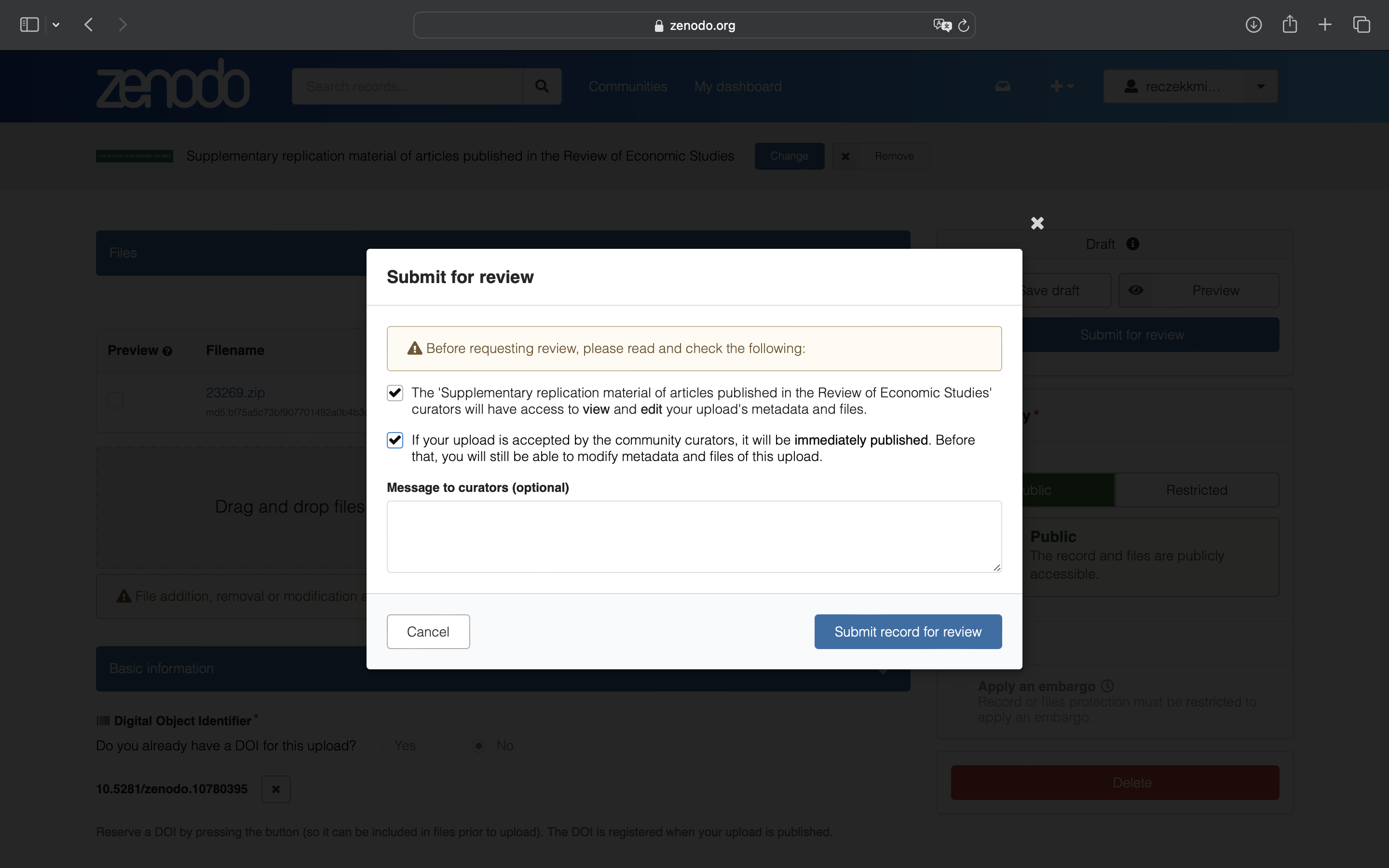
- Make a note of the package’s DOI and include it in the appropriate Typeform mentioned in the acceptance letter. Once you submit the form, the data editor will be notified that the package is ready to be checked.
Uploading additional versions of your replication package
In case you are asked to make changes to your replication package, follow these steps.
- Go to the Zenodo entry you have created
- Remove the old ZIP archive and README, and upload the new ones; edit metadata if necessary.
- Update the Publication date field to the current date (important: we use it to detect the package has changed)
- Notify the data editor in your response to the revision request.
Note: if you have previously published the record, it may be difficult to remove it or edit its files after 30 days of publication (you need to contact Zenodo’s customer service and explain your motivation). You may initiate a new revision of it (which will generate a new DOI), or create a new record. In both cases, notify the Data Editor of the new DOI.
If you have any questions about replication package submission, please contact the Data Editor.